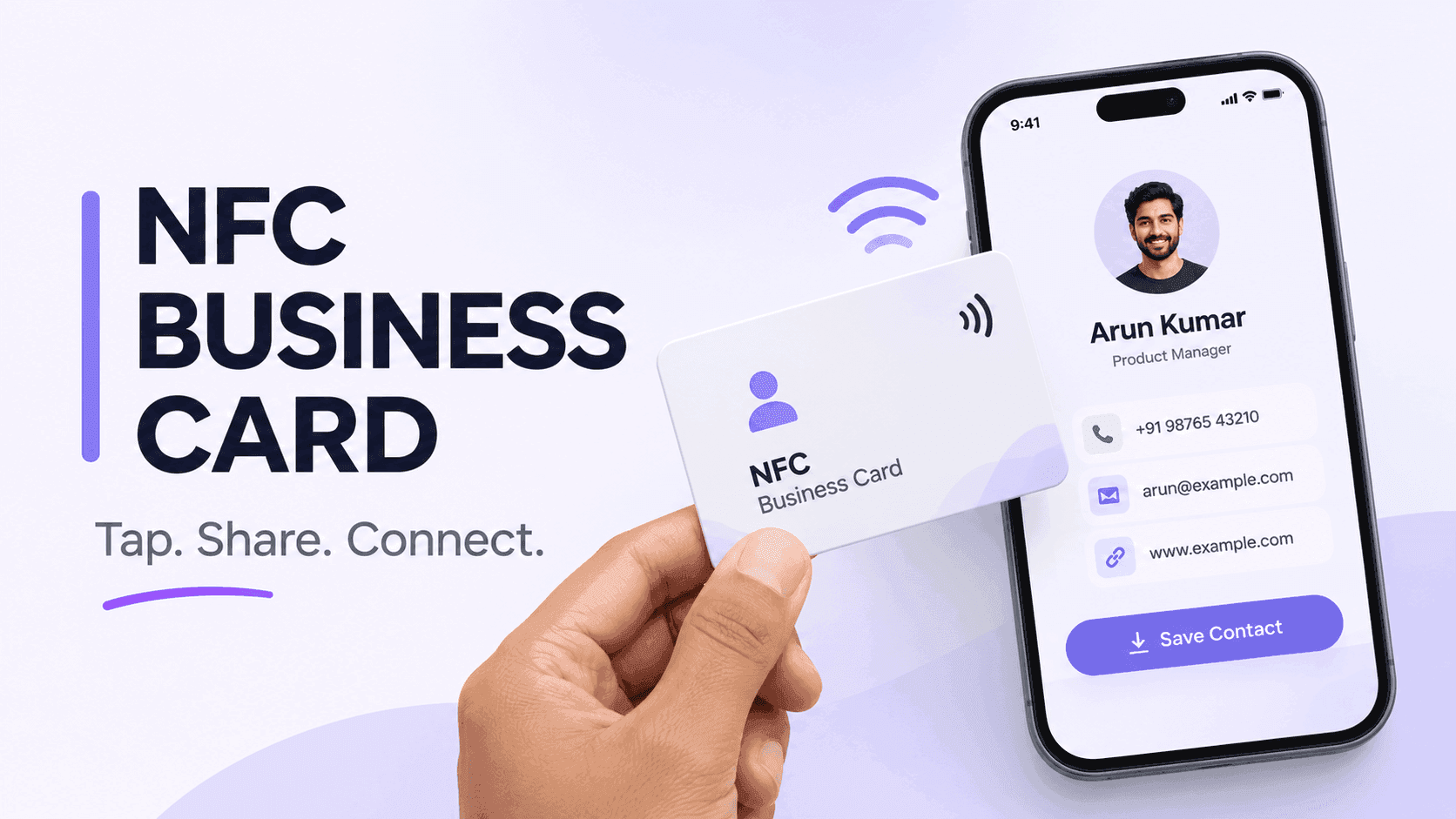

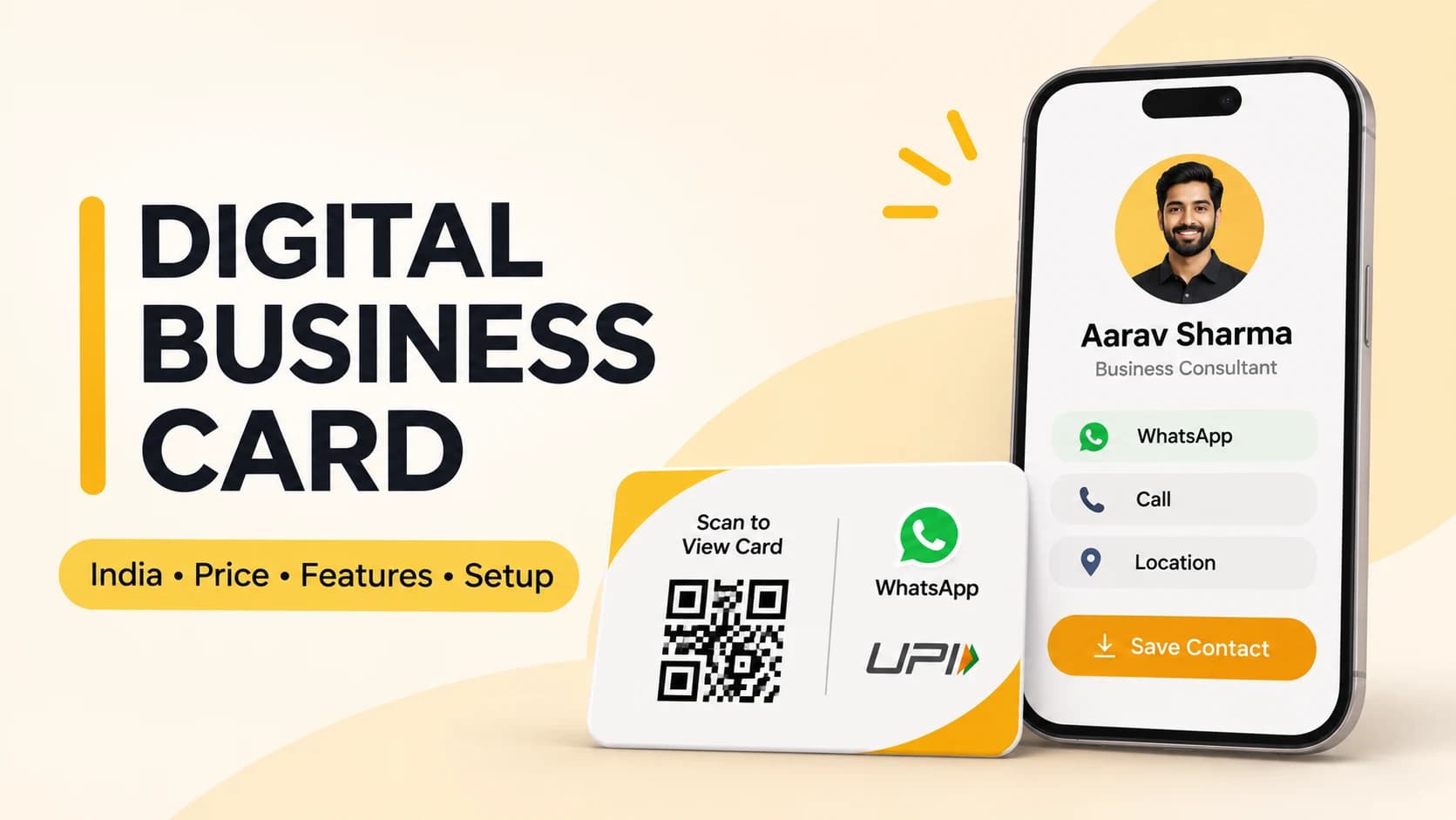
A digital business card in India is a mobile web page with your name, phone number, WhatsApp button, location and services, shared by link, QR code or NFC tap. People open it in their browser with no app, save your contact in one tap, and can even pay you by UPI.
You will hear it called a digital visiting card, virtual business card, smart visiting card or e visiting card. They all mean roughly the same thing. This guide covers what to put on one, samples for common professions, what it costs in India, and how to make one yourself, free or paid.
What is a digital business card and how does it work?
A paper visiting card is a printed rectangle. A digital business card is a link, something like yourname.cards/sharma-dental, that opens a page made for phones.
That page usually has:
- Your photo or logo, name, designation and business name
- Buttons to call, WhatsApp, email and open in Google Maps
- A Save contact button that downloads your details as a vCard file, so they land in the phone's contacts correctly
- Services, products, a photo gallery, timings and social links
- A UPI QR or payment link
There are three ways people reach that page:
- Link: you paste it in WhatsApp, SMS, email or Instagram bio.
- QR code: printed on your shop counter, paper card or standee. They scan it with the camera.
- NFC tap: a card or sticker with a chip that opens the link when tapped on a phone. More on that in our NFC business card guide.
Because the card is a web page, you can change your number, add a new service or update your timings any time, and everyone who opens the link sees the new version. No reprinting.
Why Indian businesses are moving to digital visiting cards
The paper visiting card isn't going away. Most people in India still carry a few. But how customers actually contact a business has changed, and the digital card fits that better.
- Business happens on WhatsApp. Customers ask for prices, send location pins and confirm orders on WhatsApp. A card that opens a WhatsApp chat with one tap removes the "save number first, then search for it" step.
- Payments happen on UPI. UPI handled 25.47 billion transactions in October 2026, worth ₹31.53 lakh crore, according to NPCI figures reported by Entrepreneur India. Customers expect a QR to pay, and a digital card can carry yours.
- Details change. New branch, new number, new timings. A printed box of 500 cards becomes waste. A link just gets edited.
- It spreads. A paper card stays in one wallet. A link gets forwarded to a brother-in-law who "needs a good CA".
What to put on a digital visiting card in India
Keep the top of the card simple: who you are and how to reach you. Everything else goes below.
| Must have | Good to add |
|---|---|
| Name and designation | Photo or logo |
| Business name | Services or product list with prices |
| Mobile number with +91 | Photo gallery of your work |
| WhatsApp button | UPI QR code or payment link |
| Google Maps location | Google review link |
| Save contact (vCard) button | Working hours, GST number |
| Instagram, YouTube, website |
Two small things that make a big difference. First, always write the number with +91, because WhatsApp links and international customers need it. Second, add a pre-filled WhatsApp message like "Hi, I found you through your visiting card" so you know where the lead came from. Our free WhatsApp link generator builds that link for you.
Digital visiting card samples by profession
What goes on the card depends heavily on what you do. Here are practical setups for the professions that use digital visiting cards most in India. You can open real examples on our demo page.
Doctor or clinic
Clinic name, doctor's name with degrees, specialisation, consultation timings for each day, an appointment button, Google Maps location and an emergency number. Add the clinic's Google review link, since patients choose doctors by reviews.
Shop or retail store
Shop name and logo, a product gallery with prices, a WhatsApp order button, UPI QR, location with a landmark ("opposite SBI, MG Road") and opening hours. Many shop owners print the card's QR on the billing counter.
Real estate agent
Your photo, RERA registration number, areas you cover, current listings as a gallery, a WhatsApp button with a pre-filled "I'm interested in a property" message, and a link to a brochure PDF.
CA, lawyer or consultant
Name, qualifications, firm name, services list (GST filing, ITR, company registration), office address and an enquiry form. Keep the design quiet and professional. Trust matters more than colour here.
Salon or beauty parlour
A service menu with prices, before-and-after gallery, an appointment button, Instagram link, offers and a UPI QR. A Google review card at the counter pairs well with this one.
Virtual business card vs smart visiting card vs NFC card
These names get mixed up a lot, partly because sellers use them loosely. Here's how they usually differ:
| Virtual business card | Smart visiting card | NFC visiting card | |
|---|---|---|---|
| What it is | A digital card shared by link or QR | Usually a digital card plus a QR or NFC way to share it | A physical card with a chip that opens your digital card on tap |
| How people open it | Tap a link, scan a QR | Scan a QR or tap a card | Tap the card on a phone |
| Physical card? | No | Sometimes | Yes |
| Typical cost in India | Free to ₹999 per year | ₹365 to ₹999 per year, plus card if any | Card ₹499–₹3,500 plus the profile |
In short, the virtual business card is the page itself. A smart visiting card is a marketing name that usually means the page plus some quick way to share it. An NFC card is one of those ways. You can start with just the virtual card and add NFC later.
Digital business card price in India
Prices vary a lot. These are typical ranges from Indian providers' pricing pages in November 2026:
| Option | Price in India | What you usually get |
|---|---|---|
| DIY free (QR + WhatsApp link) | ₹0 | A contact QR and chat link, no web page |
| Free plan on a platform | ₹0 | A basic card, often with the platform's branding and limits |
| Yearly plan | ₹365–₹999 per year | Full card, gallery, services, payment QR, your own link |
| Lifetime plan | around ₹1,450 one time | Same as yearly, paid once (fewer providers offer this) |
| Card + online store | around ₹599 per year and up | Digital card plus a small store with WhatsApp orders |
| NFC card on top | ₹499–₹999 (PVC), ₹1,500–₹3,500 (metal) | A physical tap card that opens your digital card |
For example, Digital VCard lists ₹365 a year for a card and ₹599 a year for a card with a store, and FollowMySite lists ₹900 a year or ₹1,450 lifetime. Global apps priced in dollars usually cost several times more for similar features.
How to make a digital business card in India
There are two routes. The free one gets you sharing in ten minutes. The platform route gives you a proper page.
The free route (no web page)
- Make a contact QR code. Use the free vCard QR code generator. Scanning it saves your name, number, email and address straight to the phone.
- Make a WhatsApp link. The WhatsApp link generator creates a
wa.melink and QR with a pre-filled message. - Make a UPI QR. If you take payments, create one with the UPI QR code generator.
- Put them on your paper card. Add the QR codes to the back of a printed card with the free visiting card maker.
This works, and it's what many small shops do. The limits: there's no single page, you can't add a gallery or services, and changing your number means new QR codes.
The platform route (a full digital card)
- Pick a digital business card maker (checklist below) and sign up.
- Choose a theme that suits your business. Pick a simple one for professionals and a colourful one for shops and salons.
- Add your details: photo, name, designation, +91 number, WhatsApp, email, address and Maps location.
- Add the extras: services with prices, gallery, timings, UPI QR, social links, review link.
- Publish and test. Open the link on your own phone and a friend's. Tap every button. Save the contact and check it looks right.
- Share it everywhere: WhatsApp status, WhatsApp Business profile, Instagram bio, email signature, and a QR on your counter and paper card.
Choosing a digital business card maker
Most "best digital business card app" lists are written by the apps themselves. Judge any maker with these questions instead:
- Does the card open in the browser, with no app needed for the viewer?
- Is there a proper Save contact button?
- Can you add a WhatsApp button, UPI QR and Google Maps?
- Can you edit everything yourself, any time?
- Is pricing in rupees, and is there a yearly or lifetime option?
- Can you use your own domain?
- Does it support regional languages if your customers need them?
Can you make a digital business card in Canva?
Partly. Canva is great for designing a card, and many people search for a "Canva digital business card" for that reason. But what you get is an image or PDF. Phone numbers in it aren't tappable, it has no Save contact button, and every change means exporting and resending a new file. Canva can also publish a design as a simple website, which gets you a link, but it still isn't built for saving contacts.
A good use of Canva: design the artwork for your printed card, then put the QR code of your real digital card on it.
Free vs paid: which should you choose?
Choose free if you're a freelancer or a new shop, you mainly need people to save your number and message you, and you don't change details often. A contact QR plus a WhatsApp link covers that.
Choose paid if customers decide based on your work (photos, services, prices), you take payments, you change offers often, or you want the card to look like a small website for your business. At ₹365 to ₹999 a year, that's often less than reprinting a few boxes of paper cards.
Selling digital visiting cards in India
Every shop, clinic and agent in your city needs one of these, and most can't set it up alone. That's why many print shops, web designers and marketing agencies now sell digital visiting cards and NFC cards as a service.
With GoBiz SaaS you run your own branded digital business card platform. Your customers get 148 themes, WhatsApp stores, a Google Wallet pass, custom domains and NFC card orders, and you collect payments through Razorpay or PhonePe. See the full feature list, or read how to start a digital business card business for pricing ideas and how to find your first customers.