
Appearance
Google Wallet Plugin Configuration
Step 1: Create a Google Cloud Console project
Follow these steps to create a Google Cloud Console project.
Step 2: Create a new service account key
Follow these steps to create a new service account key.
Step 3: To get the Google Wallet issuer ID
Follow these steps to get the Google Wallet issuer ID.
Video Guide
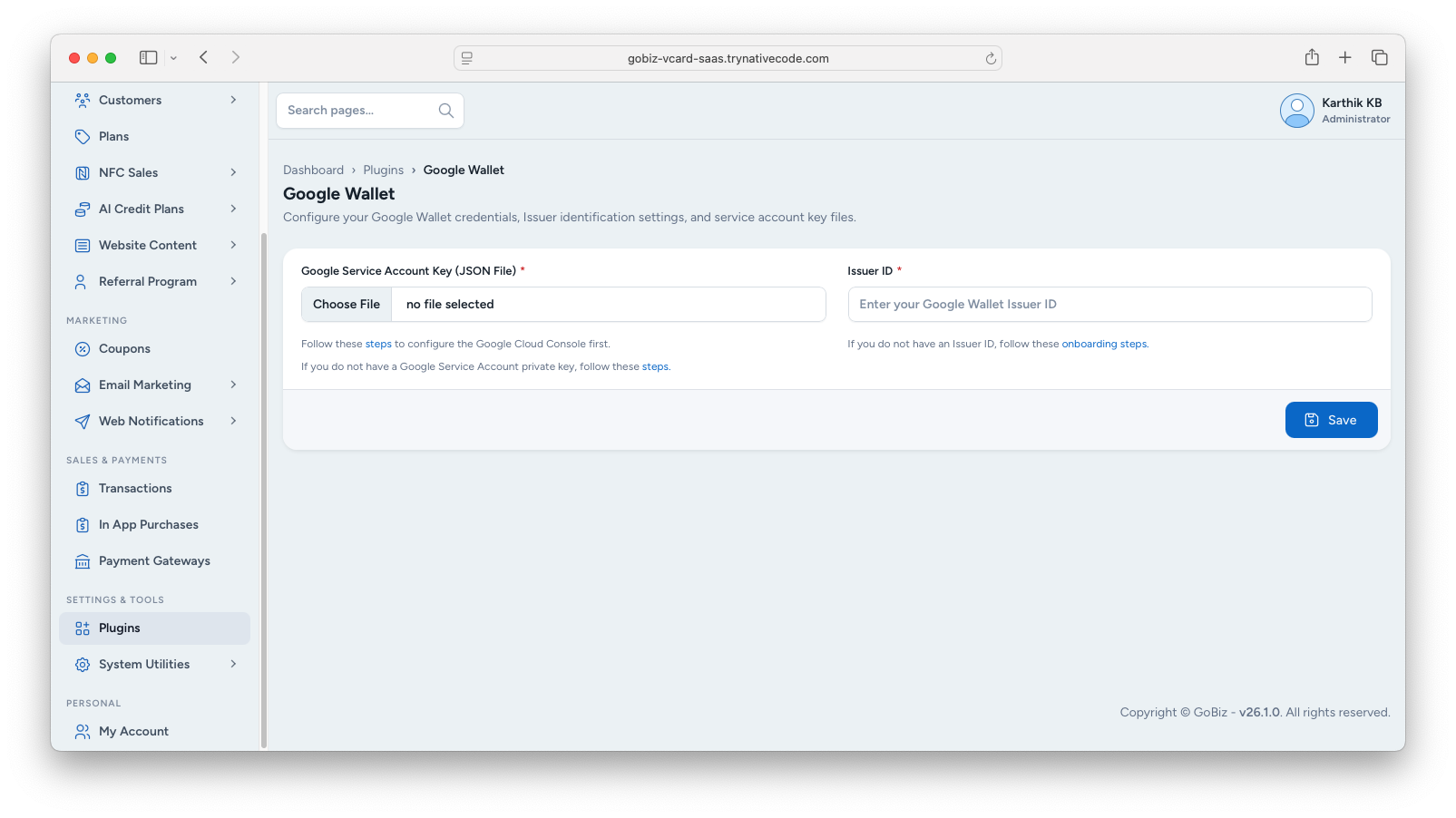
Step 4: Upload the JSON file
Go to Plugins -> Google Wallet -> Settings in the admin panel.
Upload the JSON file, fill in the Issuer ID, and then click upload button.
Step 5: Add Service Account Email
Add your Service Account's Email, Choose Access level Admin or Developer from Dropdown.
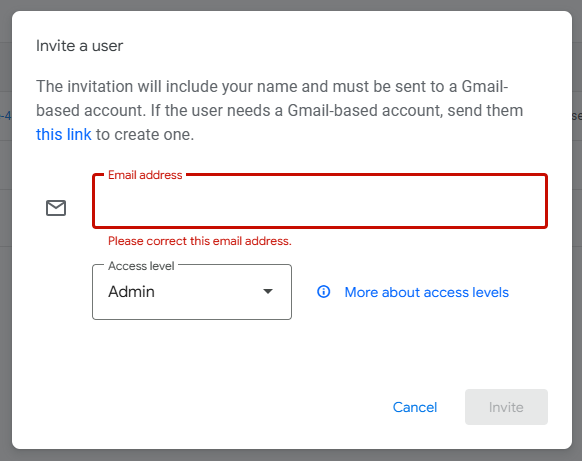
Accept the invitation from the email.