Appearance
How to Configure Xendit?
Last update: 12 Aug 2026
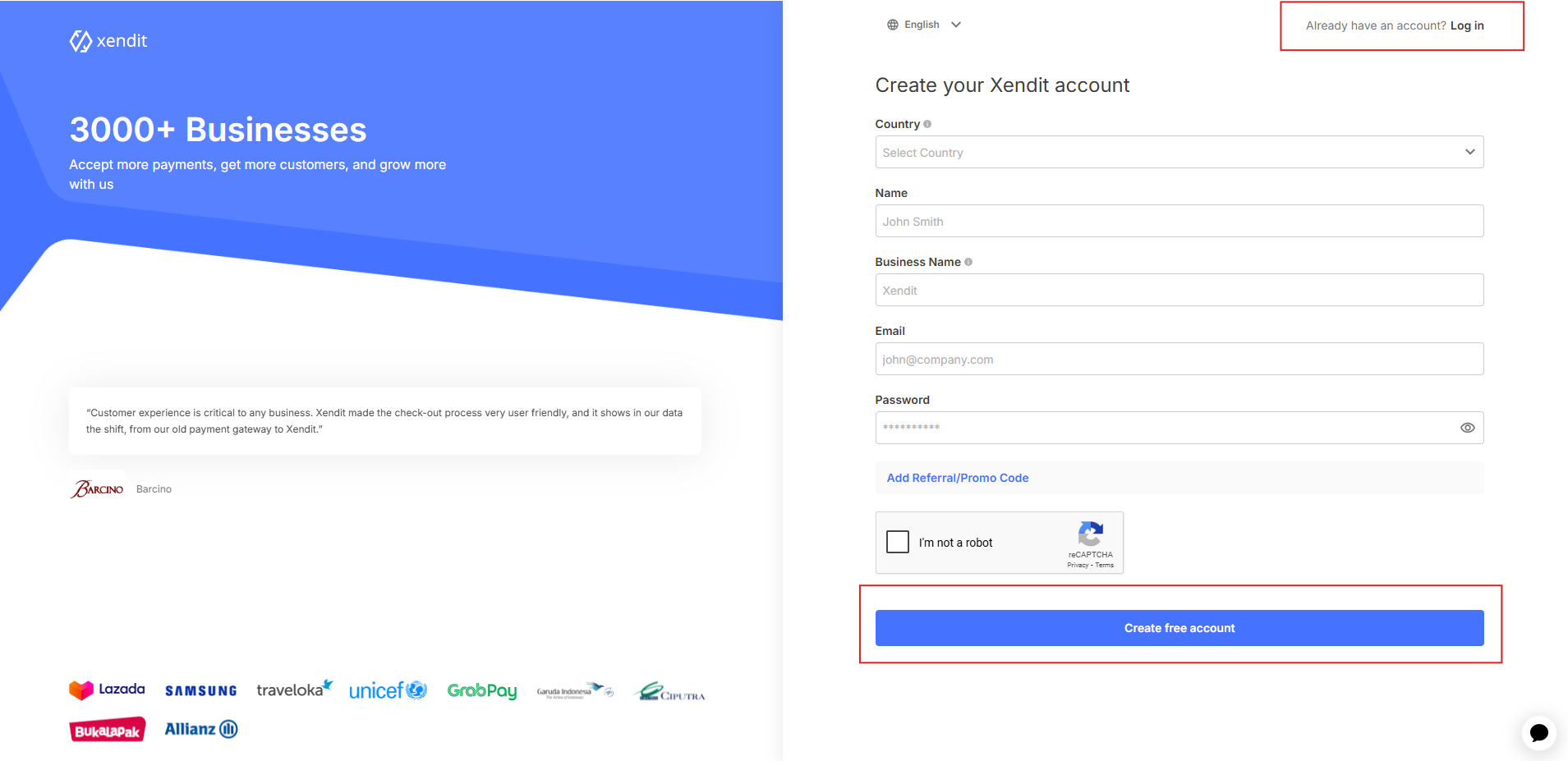
1. Sign In to Xendit
Go to Xendit.
If you already have a Xendit account, sign in. Otherwise, create a new account.
2. Open the API Keys Page
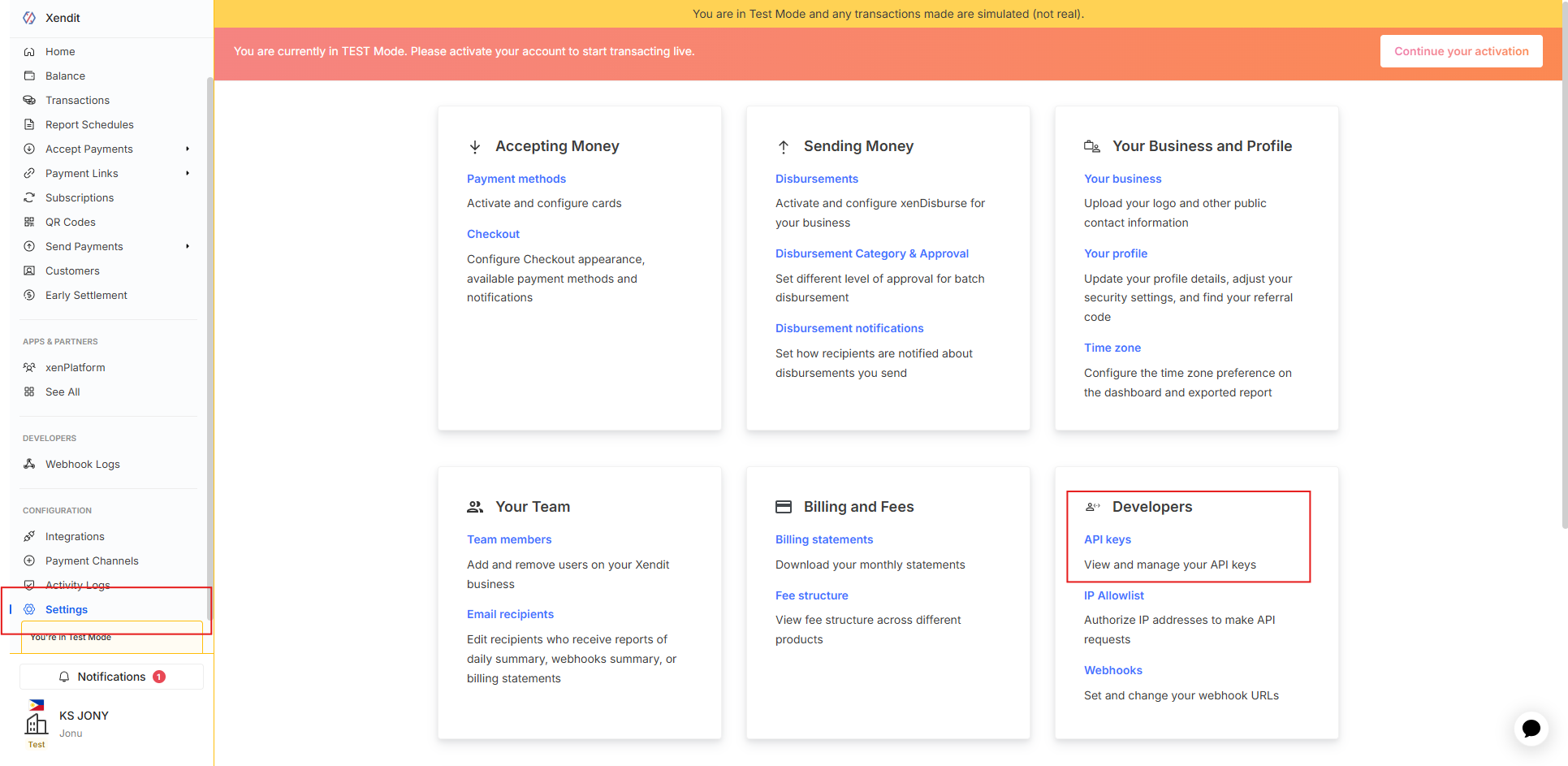
After signing in to your Xendit Dashboard, navigate to:
Settings -> Developers -> API Keys
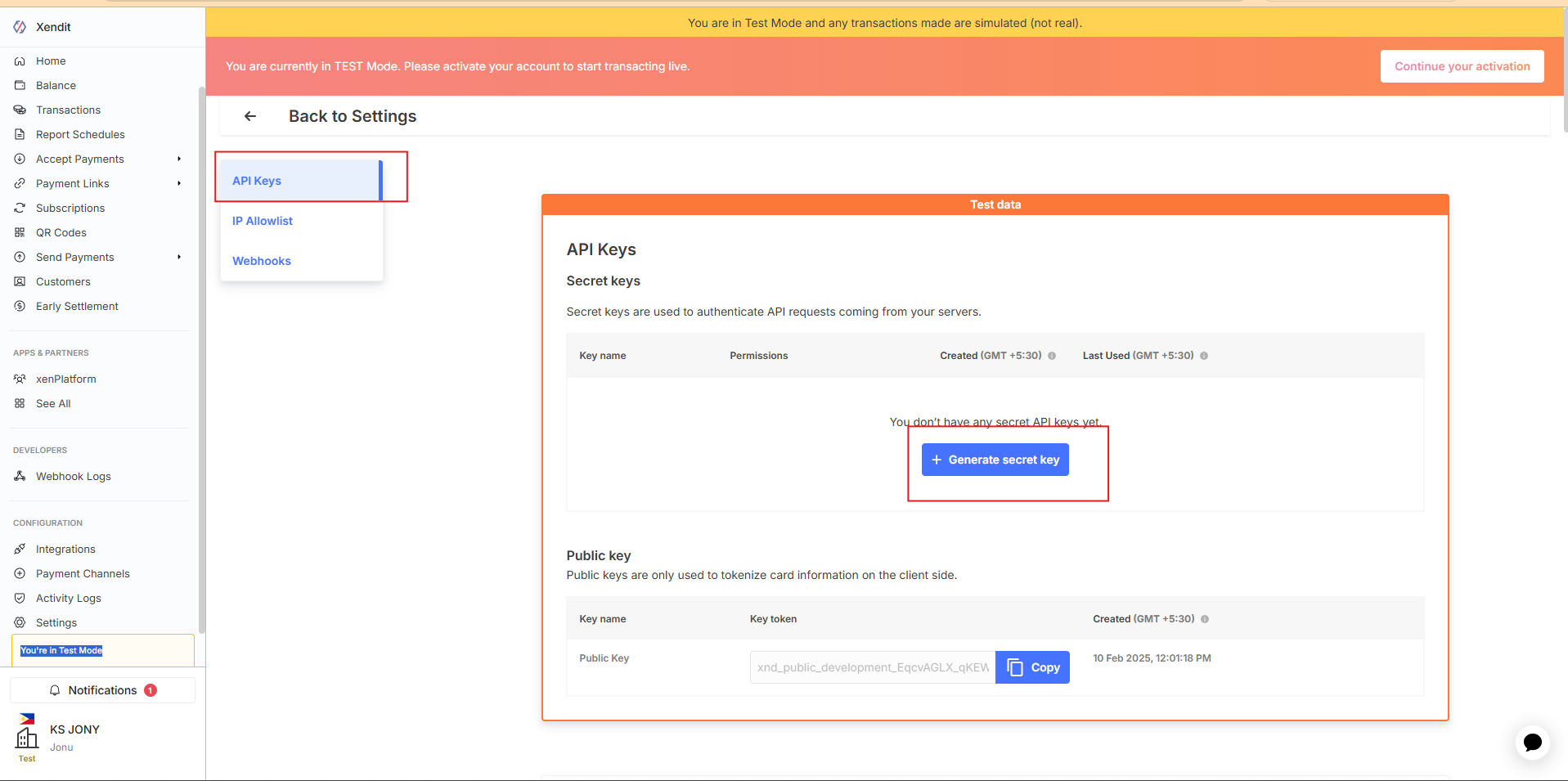
3. Generate a Secret API Key
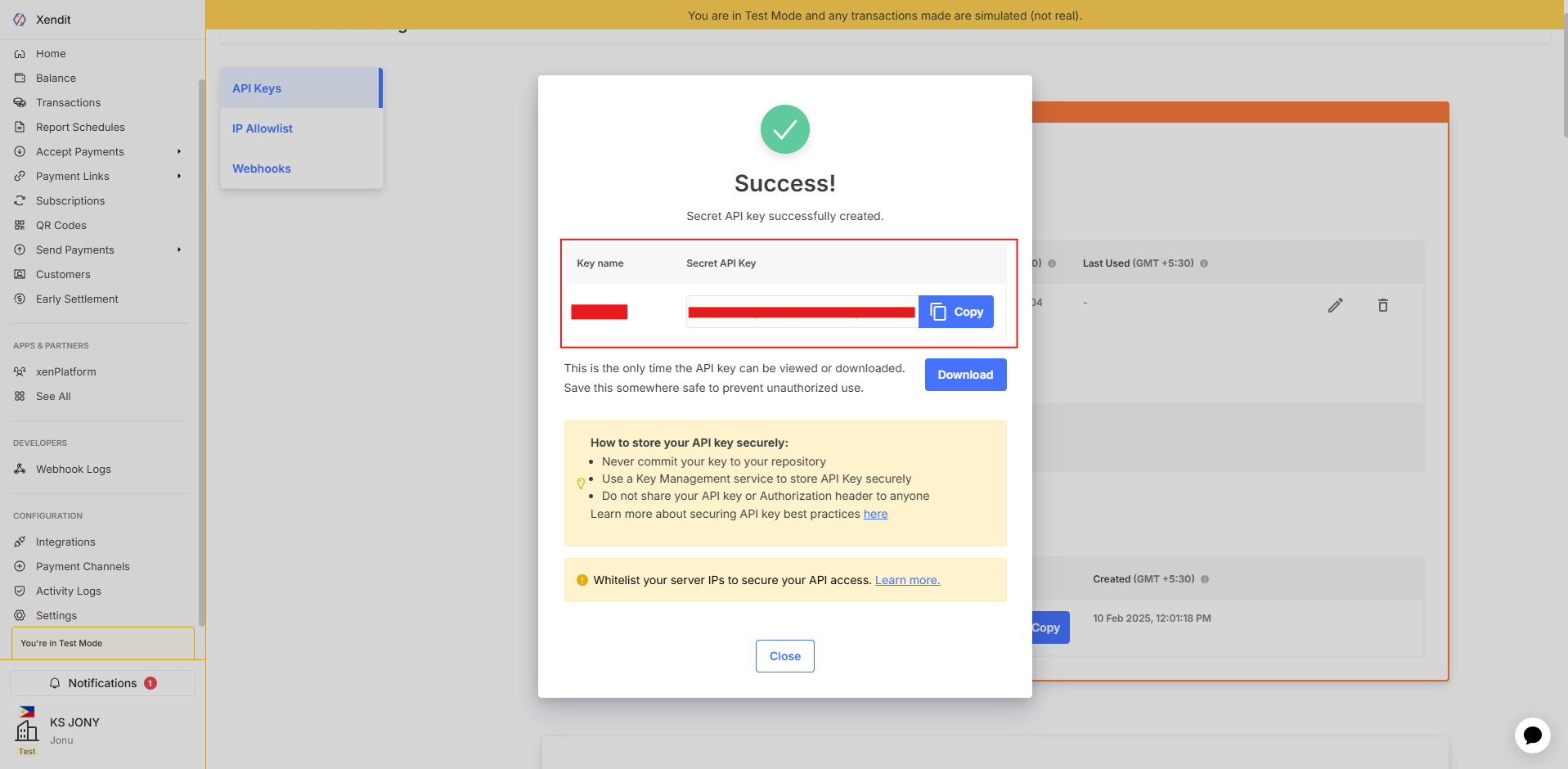
On the API Keys page, generate a new Secret API Key if you don't already have one.
4. Copy the Secret API Key
Copy the generated Secret API Key.
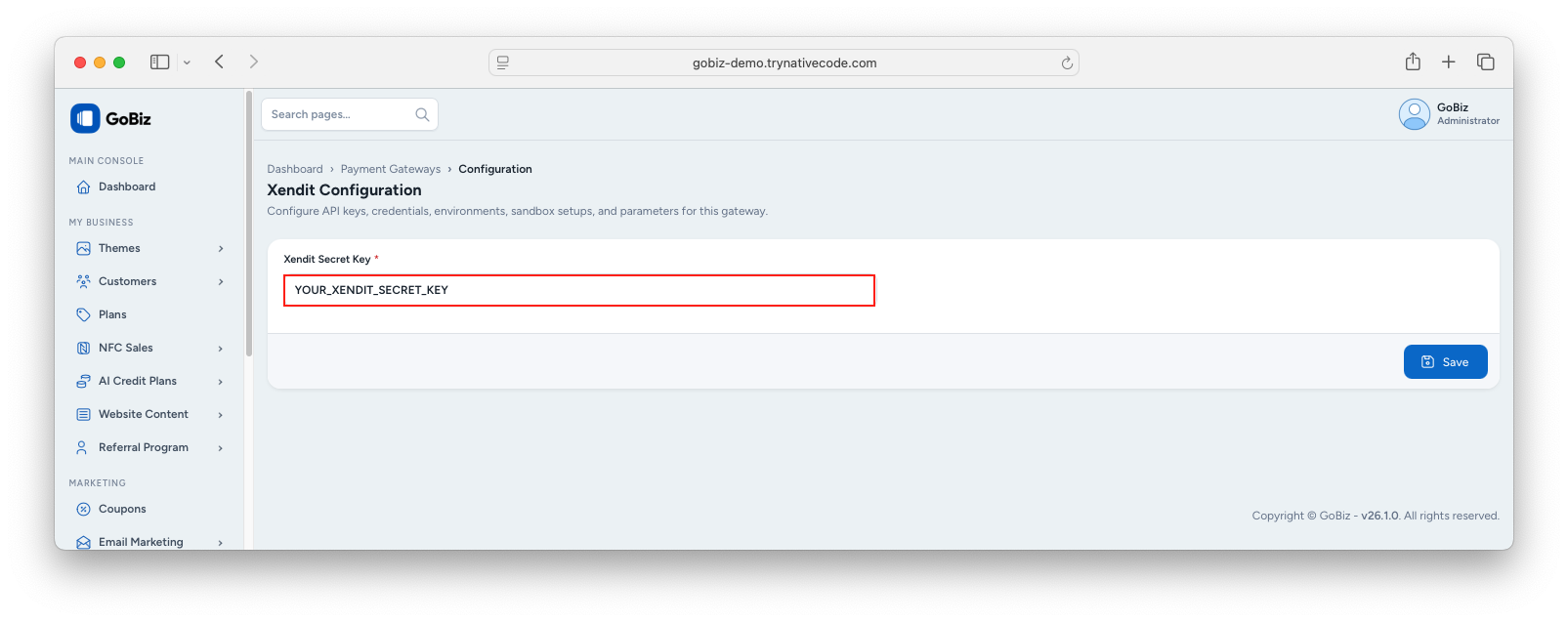
5. Configure Xendit in the Admin Panel
Log in to your GoBiz Admin Panel and navigate to:
Payment Gateways -> Xendit -> Configure
Paste the Secret API Key into the appropriate field, then click Update to save the configuration.