Appearance
Learn how to download, upload, and install the Paddle Recurring Plugin to enable Paddle integration.
1. Download the File
After purchasing the plugin, you will receive a ZIP file. Unzip this file, and inside you will find the main plugin file that you need to upload and install.
Main file:
text
PaddleRecurring.zip2. Upload the File
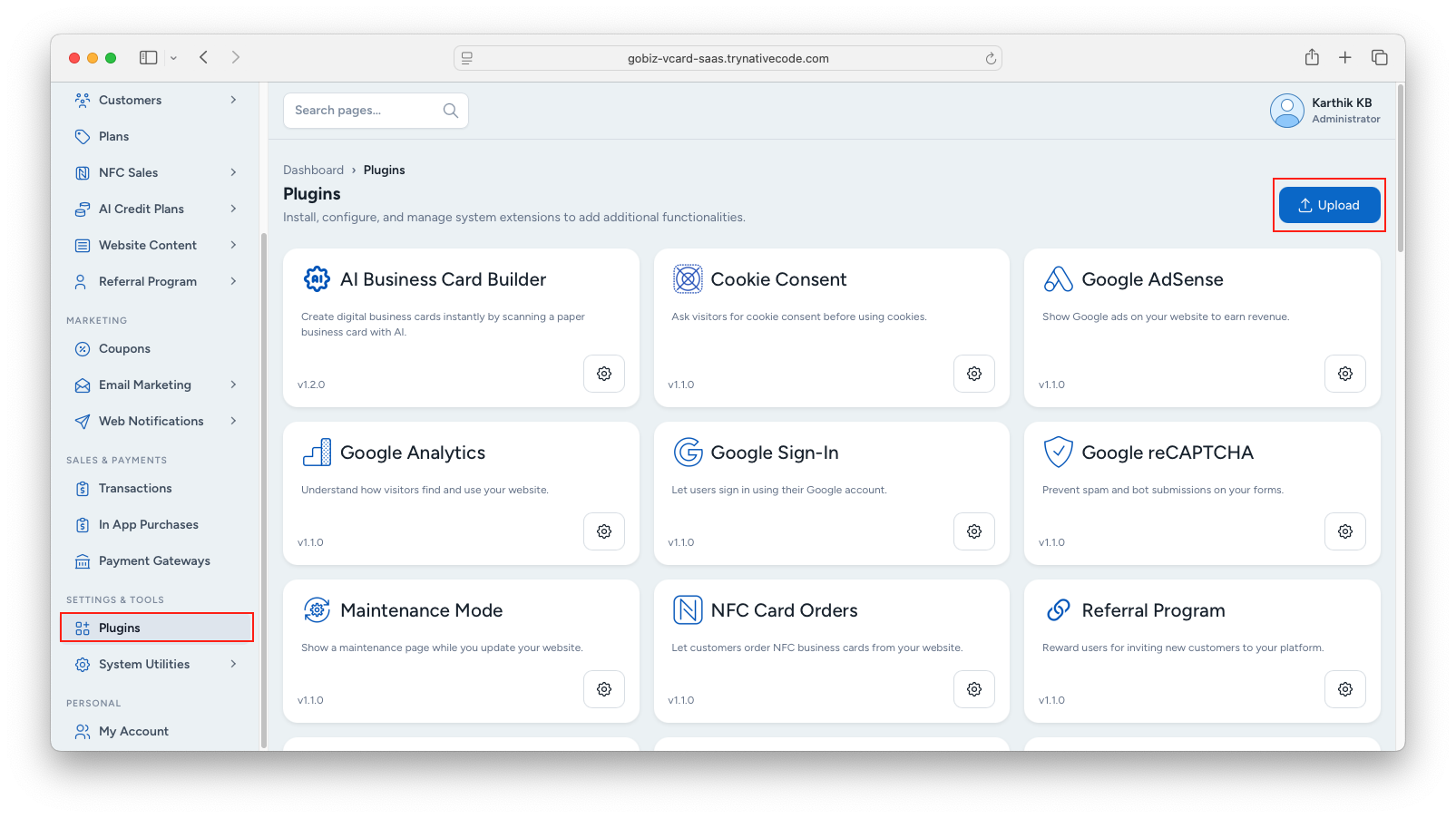
Upload the PaddleRecurring.zip file in the Plugins → Upload section of your platform.
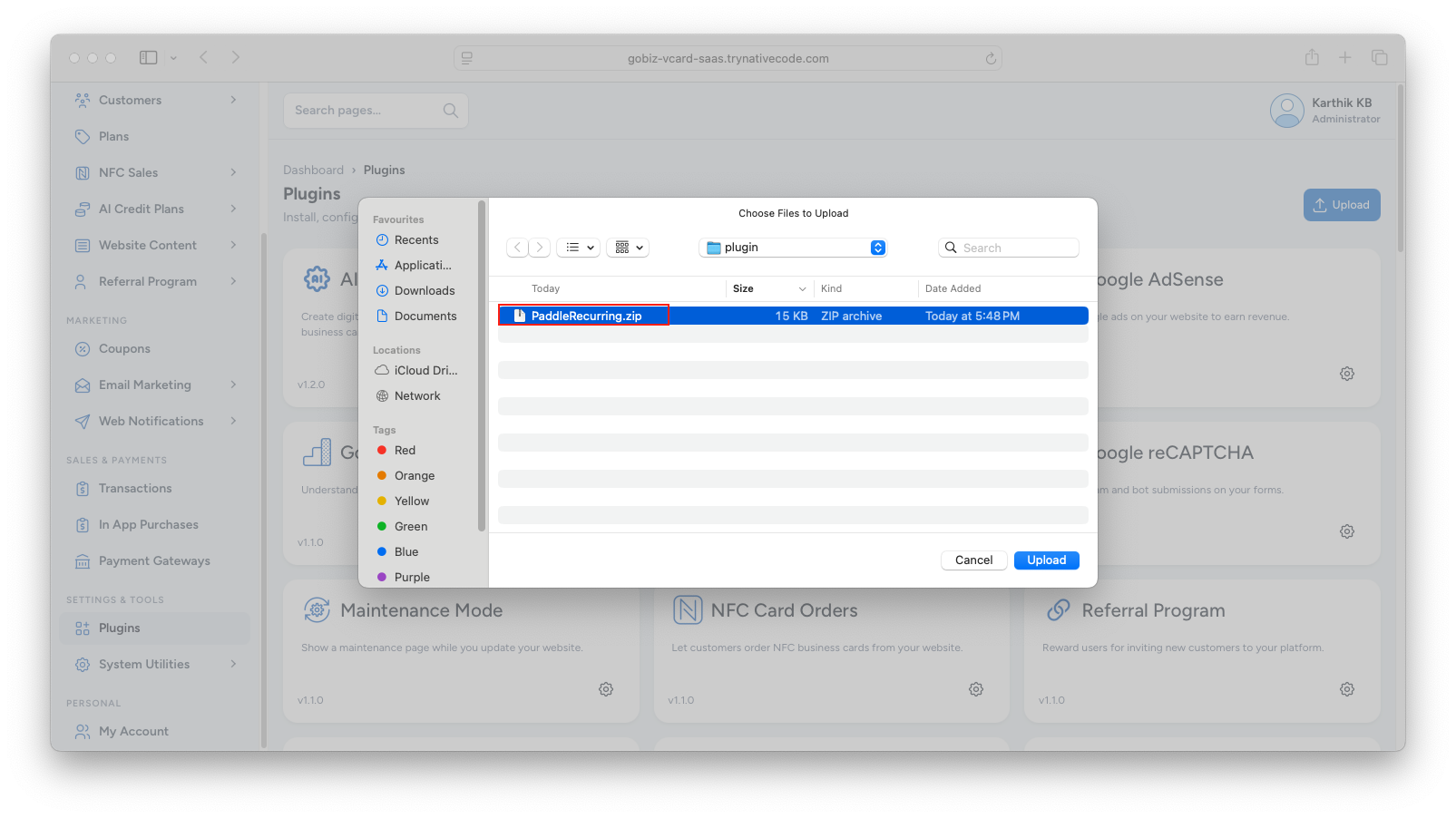
Select the PaddleRecurring.zip file.
3. Plugin Installation
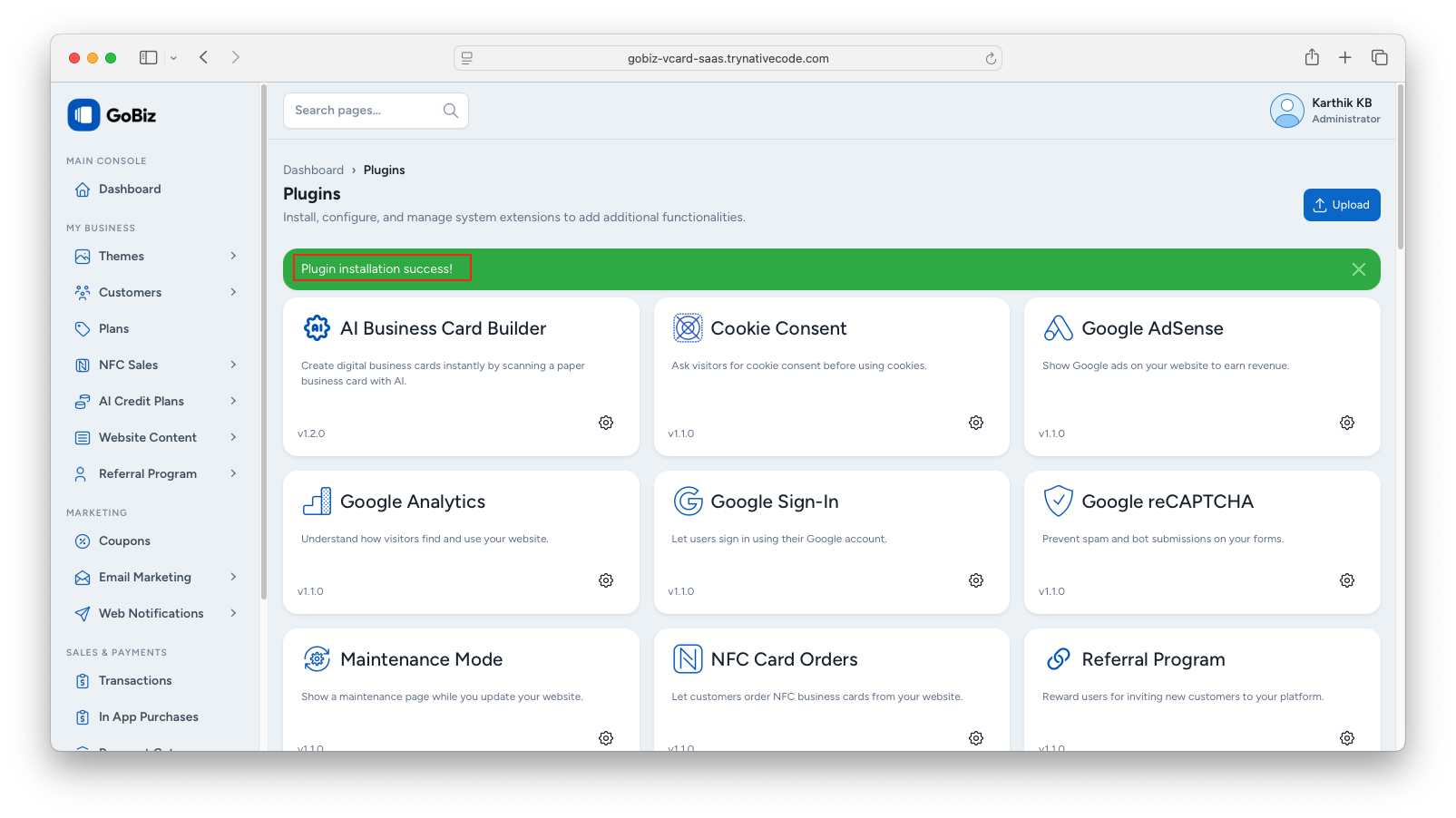
Once the upload is complete, you will see a successful plugin installation message.