Appearance
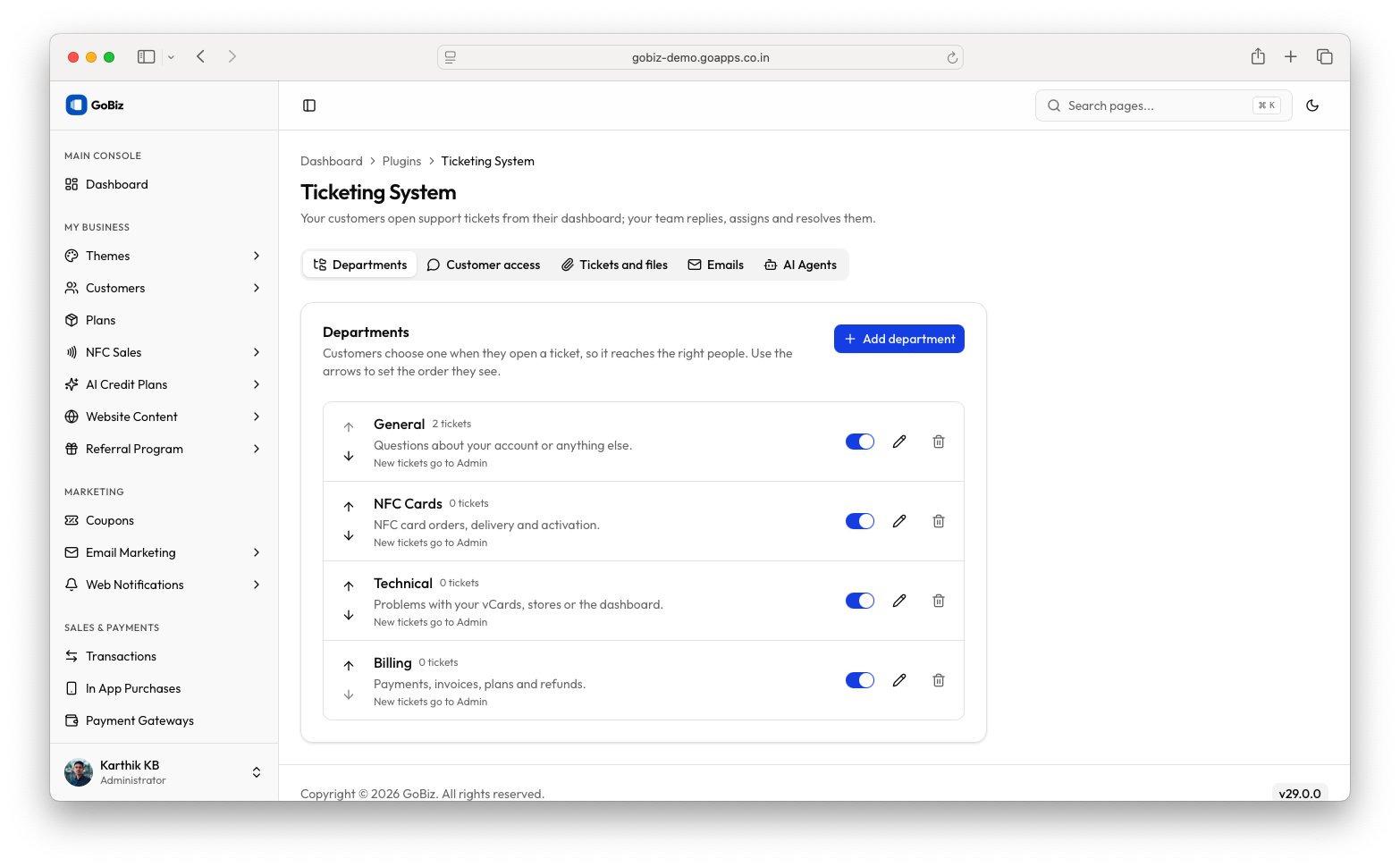
The Ticketing System Plugin allows customers to raise support tickets from their dashboard and enables administrators to manage departments, assign tickets to AI or team members, respond to enquiries, and resolve requests directly from the GoBiz Admin Panel.
1. Download the Plugin
After purchasing the Ticketing System Plugin, download the plugin.
The downloaded package will be provided with the following filename:
TicketingSystem-1.0.0.zip
Make sure you have the plugin file ready before proceeding with the installation.
2. Open the Plugins Section
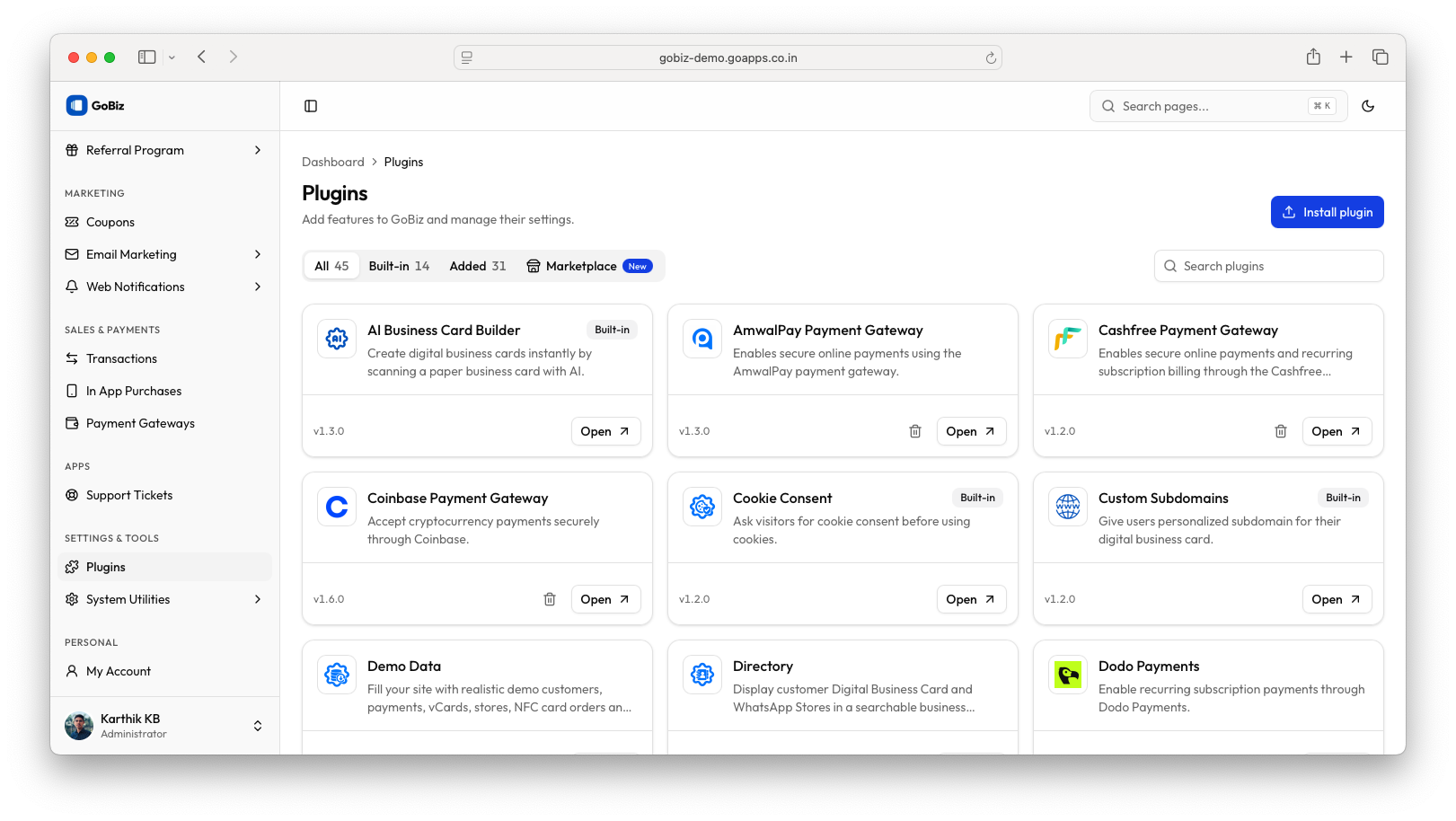
Log in to your GoBiz Admin Panel using your administrator credentials. Navigate to Plugins from the left sidebar to open the Plugins page. Locate the Install plugin button in the upper-right corner and click it to proceed with the plugin installation.
3. Upload the Plugin
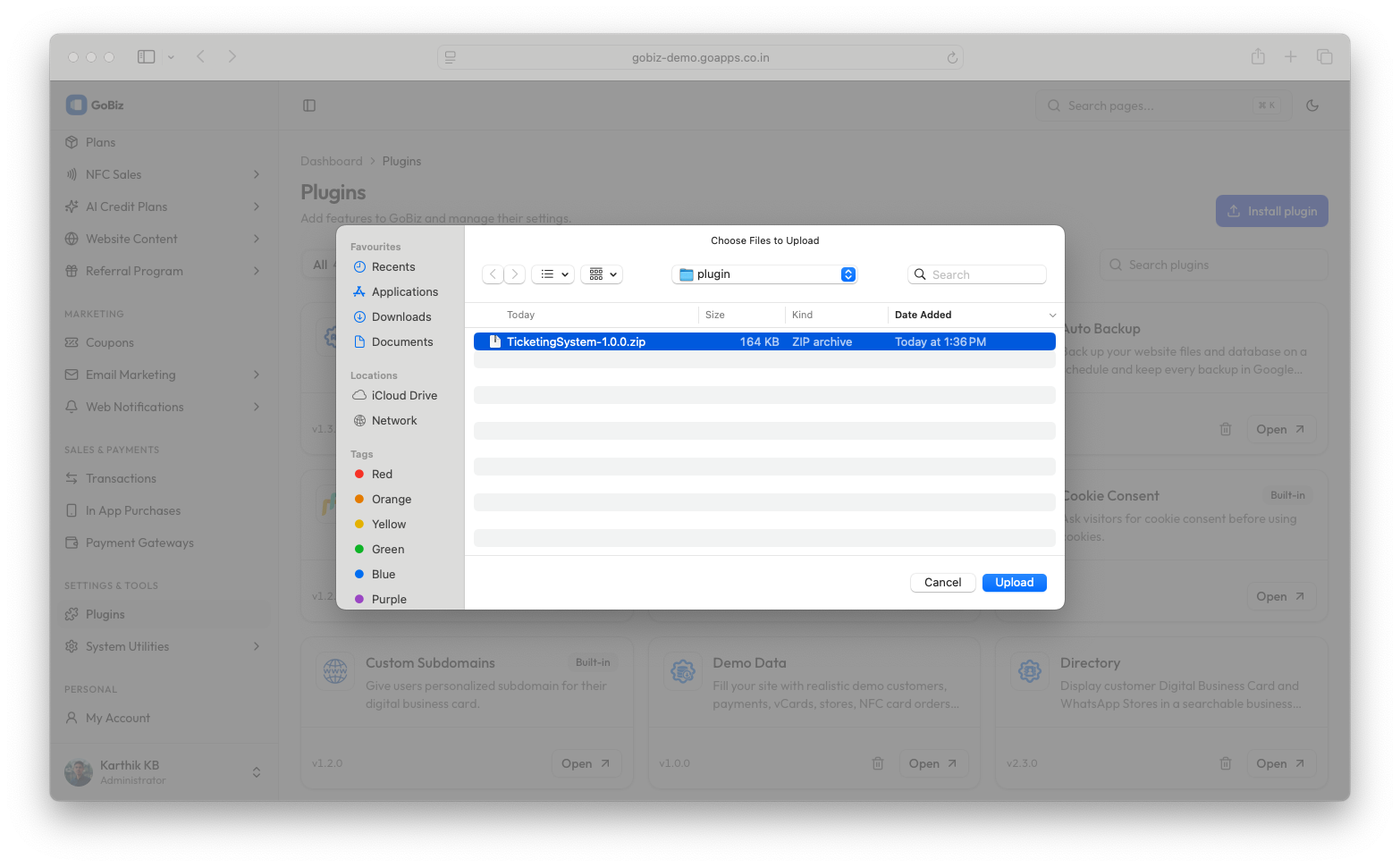
Click the Install plugin button to open the file selection window. Browse your computer and select the downloaded TicketingSystem-1.0.0.zip file. Verify that you have selected the correct plugin package and click Upload to start the installation.
Wait until the upload and installation process is completed successfully.
4. Confirm Plugin Installation
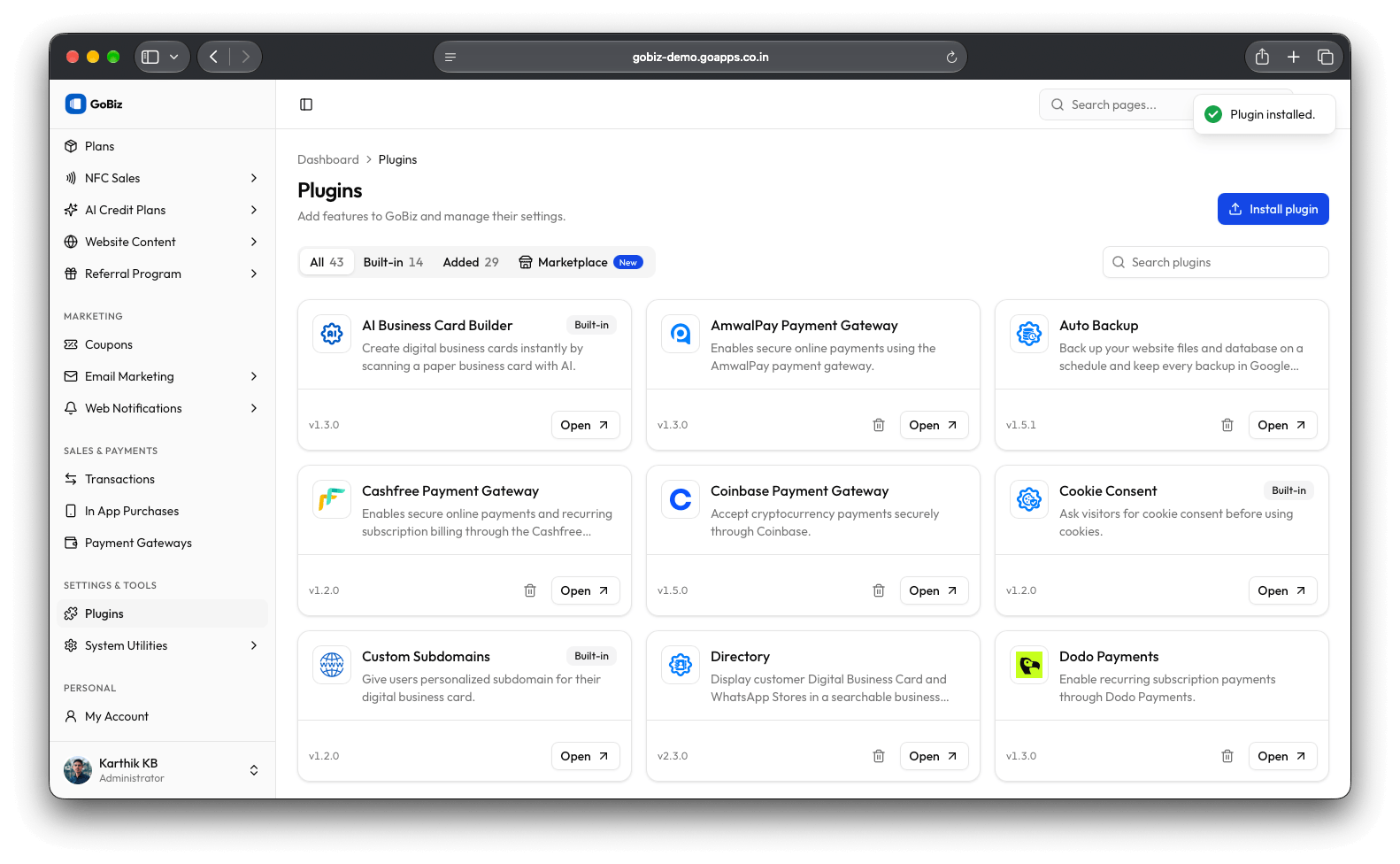
Once the installation is successful, return to the Plugins management page and locate Ticketing System in the installed plugins list.
5. Open the Ticketing System Dashboard
Verify that the Ticketing System Plugin is listed with its version information and click Open to access the plugin dashboard.